Lessons
Short videos, one task each, with the written steps beside every video. English captions are in the player, and you can watch at the speed that suits you.
Start here
-
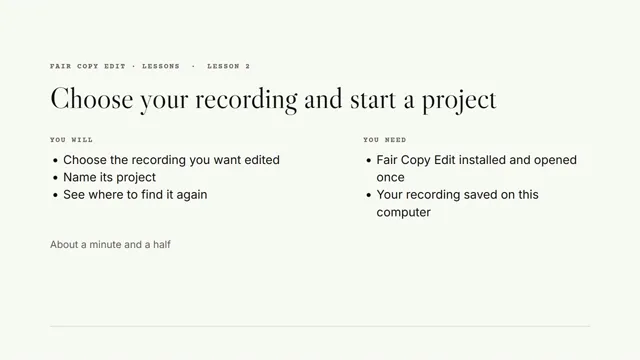 Lesson 2 · 1 minute 29 seconds Choose your recording and start a project
Choose the recording you want edited, name its project, and see where to find it again.
Your first video
-
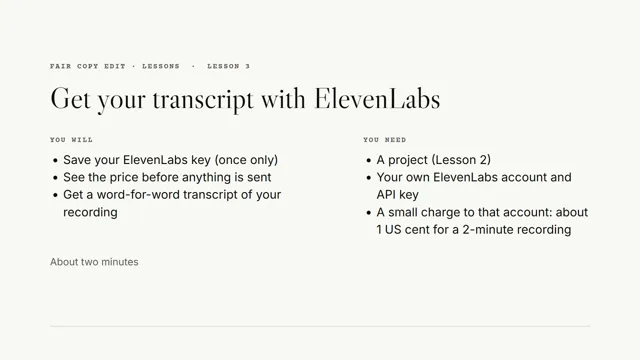 Lesson 3 · 1 minute 55 seconds Get your transcript with ElevenLabs
Save your ElevenLabs key once, see the price before anything is sent, and get a word-for-word transcript of your recording.
-
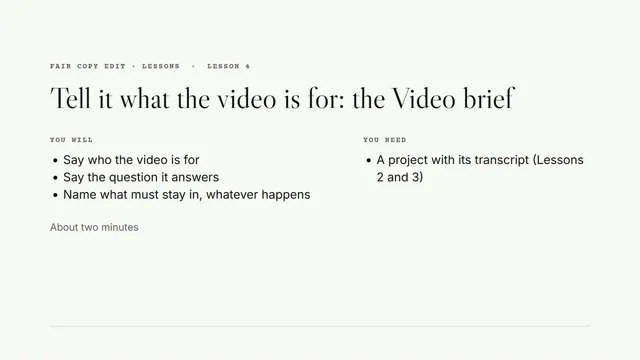 Lesson 4 · 1 minute 42 seconds Tell it what the video is for: the Video brief
Say who the video is for, the question it answers, and what must stay in whatever happens.
Lesson 1, installing and activating Fair Copy Edit, arrives with the release; until then, Install and activate in Help has the written steps. Further lessons are on the way. These are lessons for using Fair Copy Edit; for short films about what it does, see Short demonstrations.